

To view or change your project notification & auto-subscription settings, do the following:
1. Log in to Strawberry with your credentials.
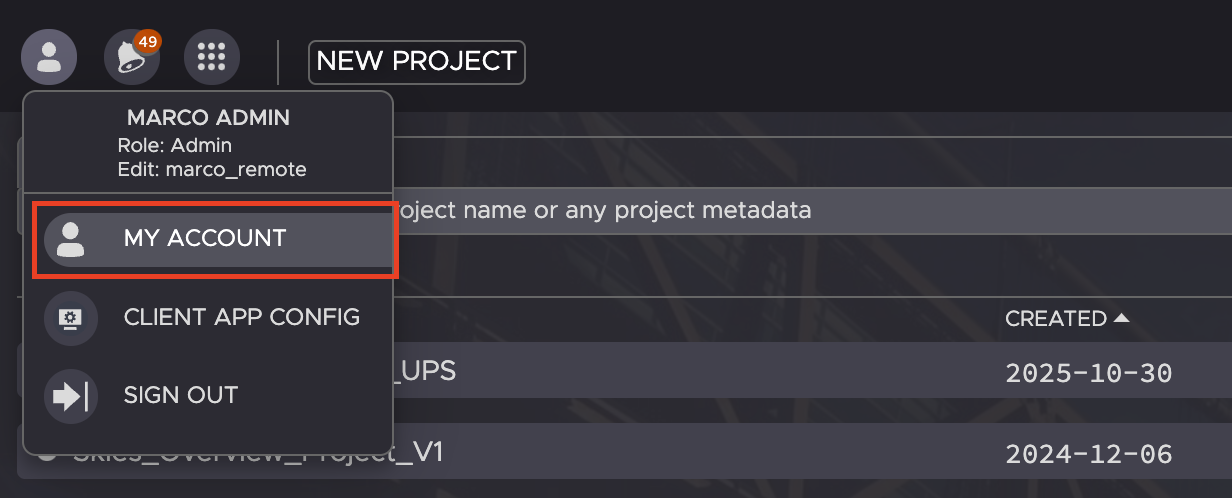
2. Click on the “persona” icon in the top left corner and then on My Account.
3. Click on the Notifications tab and then on the Others tab.
! 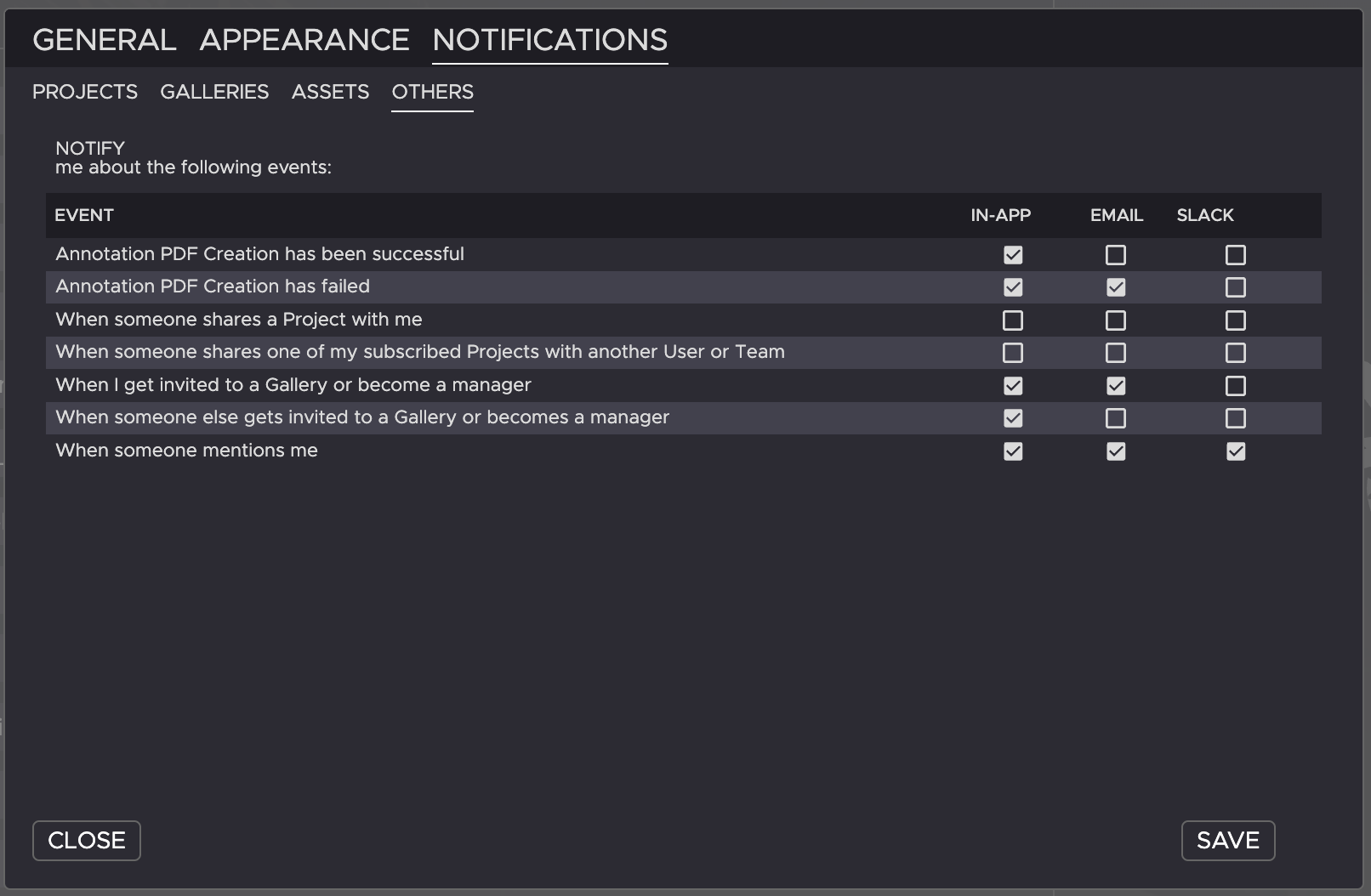
Here you can define what kind of other notifications you want to receive and how they should be delivered to you
Need more help with this?
Visit the Projective Support Websites