

About
This chapter explains how to change the description of a Gallery.
Requirements
- The Galleries feature is part of Strawberry’s Communications System add-on. The add-on must be activated on your system in order to use this feature
- To edit a Gallery’s description, you must either be a manager of that Gallery or a Strawberry Administrator
Usage
1. Select the Gallery for which you want to change the description.
2. Click on the Settings tab that is located on the left side below the Gallery name to open the Gallery’s settings.
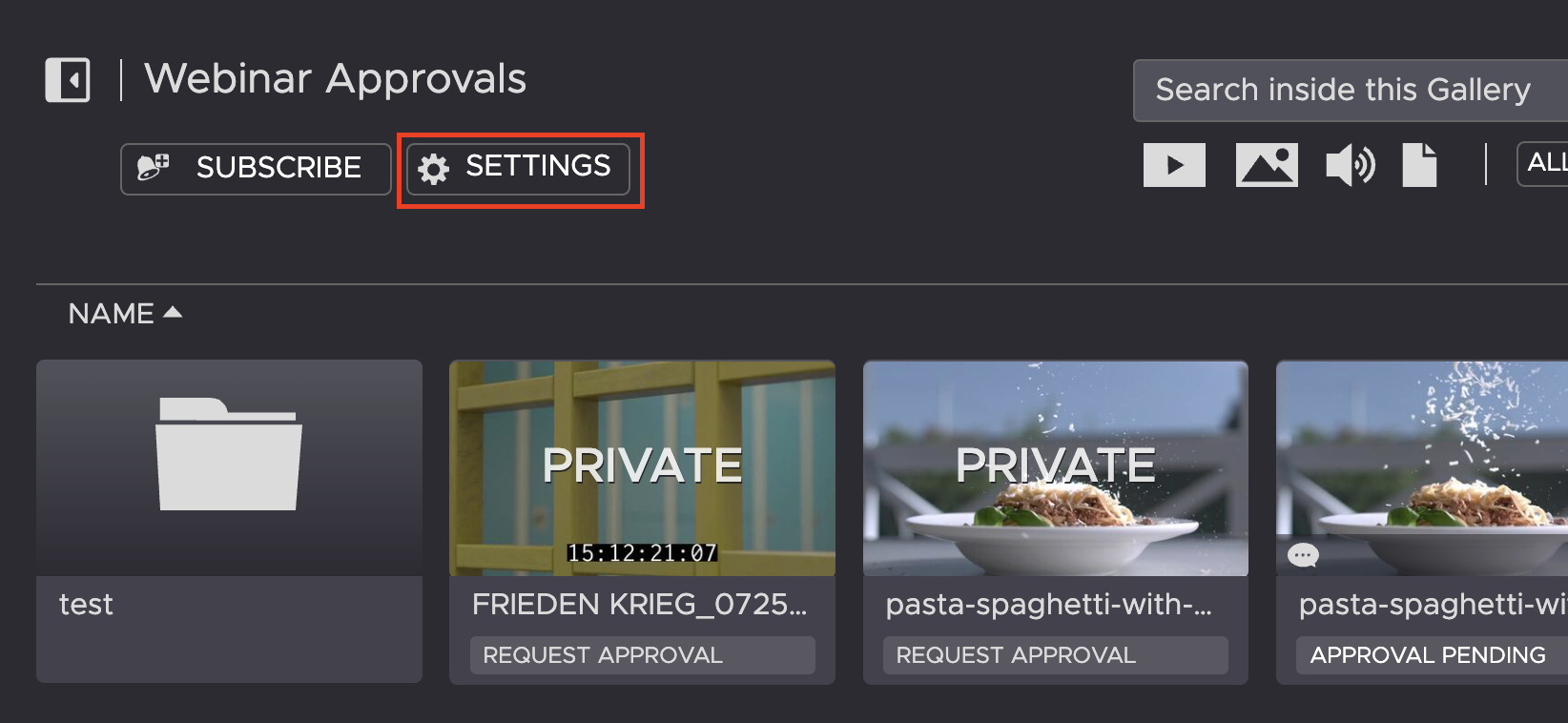
3. Click in the SETTINGS tab and then on the current description to modify it.
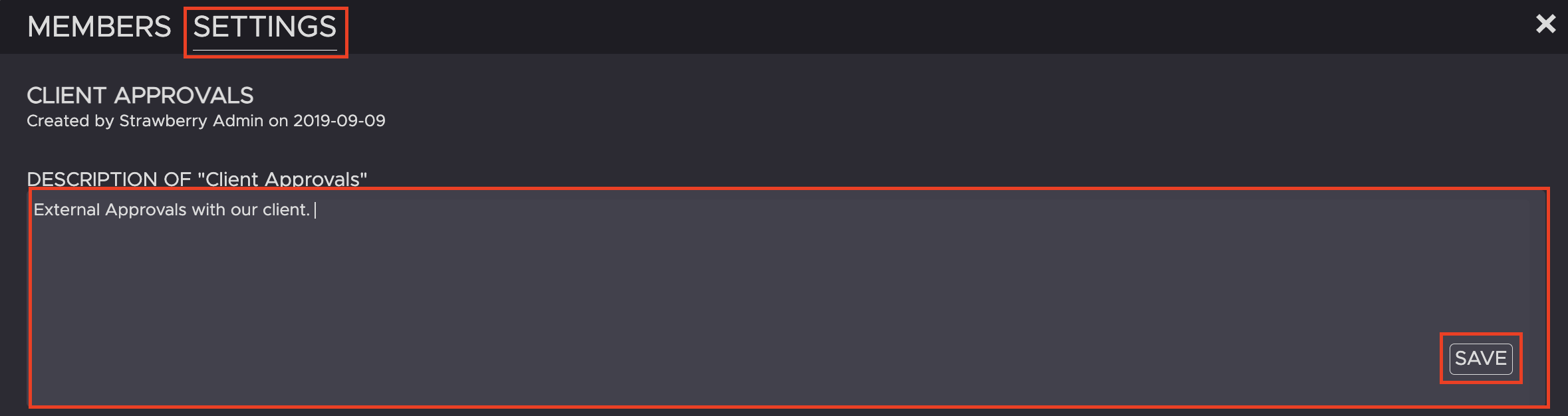
4. Once you are finished, press SAVE.
Need more help with this?
Visit the Projective Support Websites