

Requirements
- To edit transcripts, your user role must have the capability
Modify transcriptsenabled.
Usage
1. Double-click on an asset to enter its annotation view.
2. Click on the Transcript tab located in the upper right area of the UI.
3. In the transcript, hover over a transcript segment.
4. Double-Click on the Speaker label to go into edit mode.
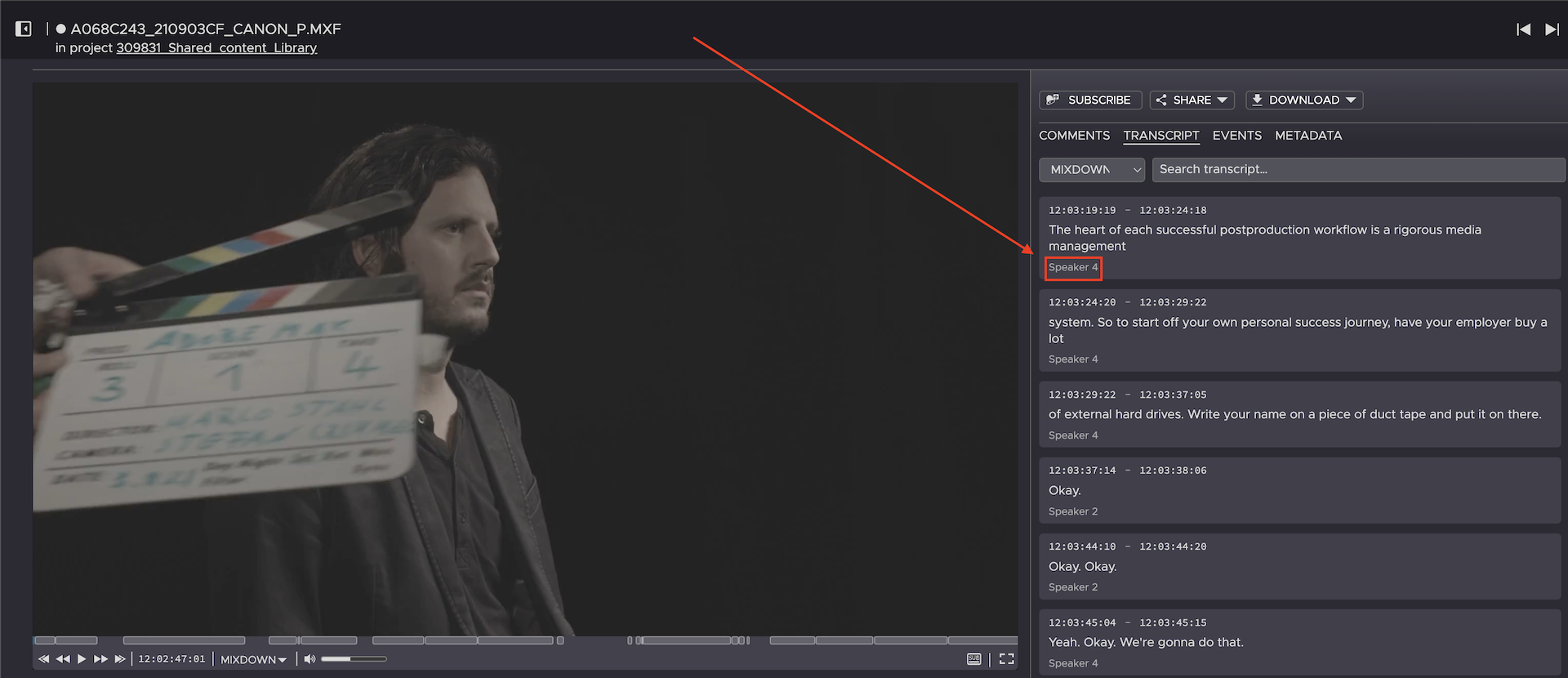
5. You can now edit the name of this speaker.
6. On your keyboard, press Return or Enter to save the changes.
Need more help with this?
Visit the Projective Support Websites