

1. Select a media asset and go to its Annotation View”
2. Click on the Download button to see available download options.
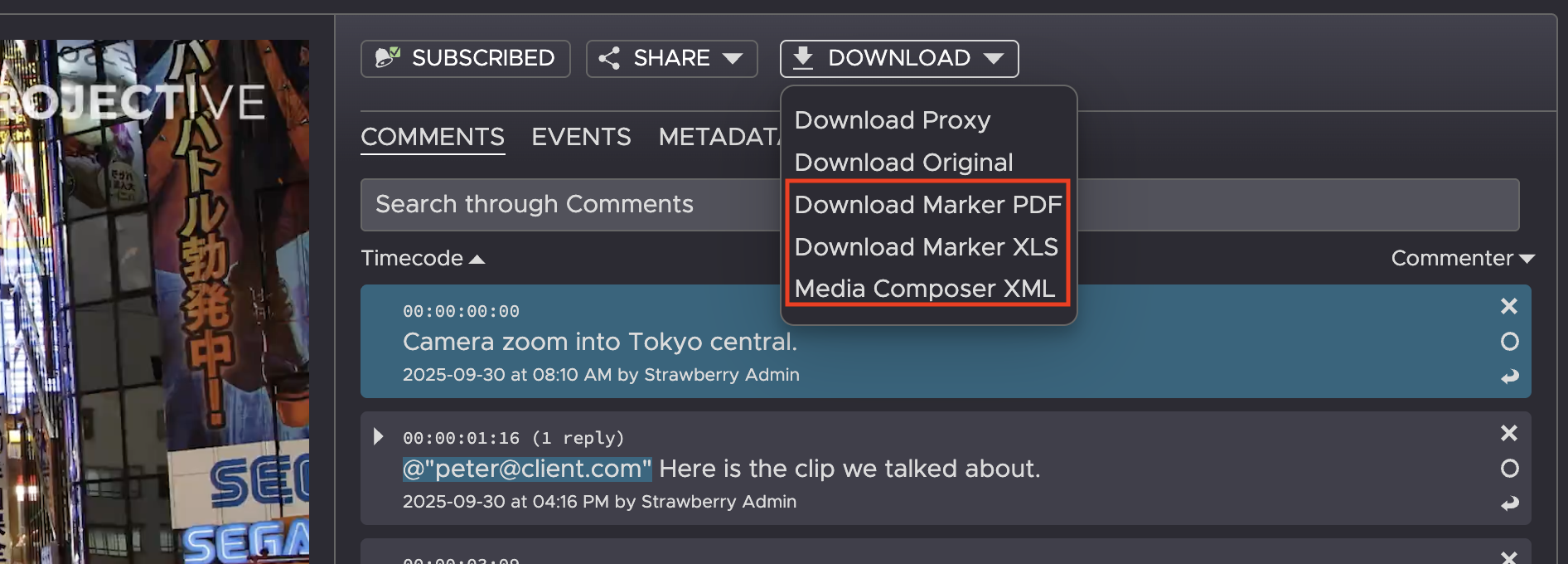
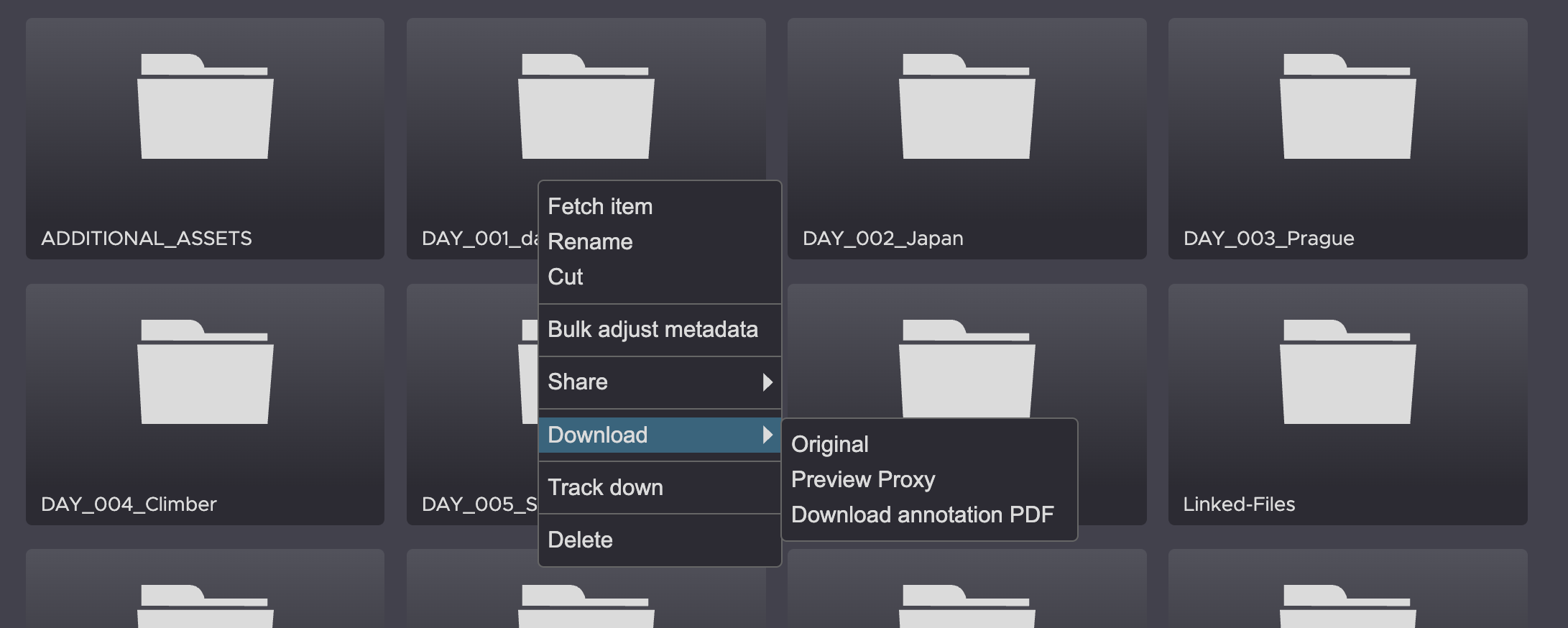
3. Click on the desired format to initiate the download. When choosing PDF you will receive a notification as soon as the document has been created
Need more help with this?
Visit the Projective Support Websites