

Requirements
- The Galleries feature is part of Strawberry’s Communications System add-on. The add-on must be activated on your system to use this feature.
- To create Galleries, you must have the capability “Can Create Galleries” enabled in your user role. If you cannot create a new Gallery, please get in touch with an Administrator.
Usage
1. Log in to Strawberry using the client application or a web browser.
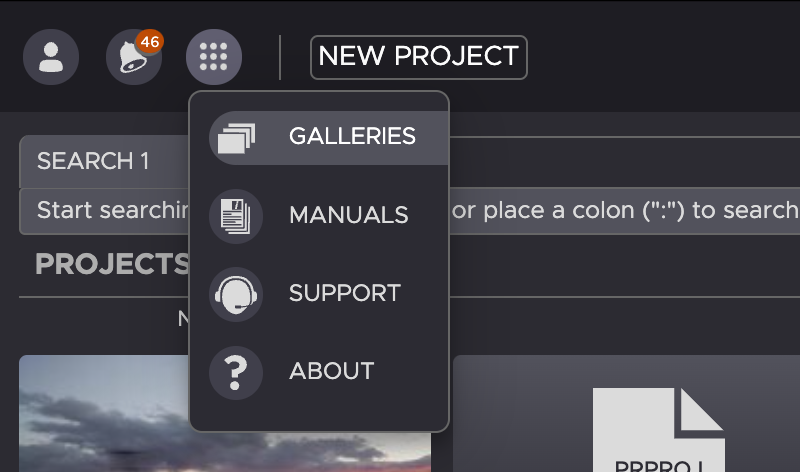
2. Click on the App icon on the upper left side of the user interface and then on the Galleries button.
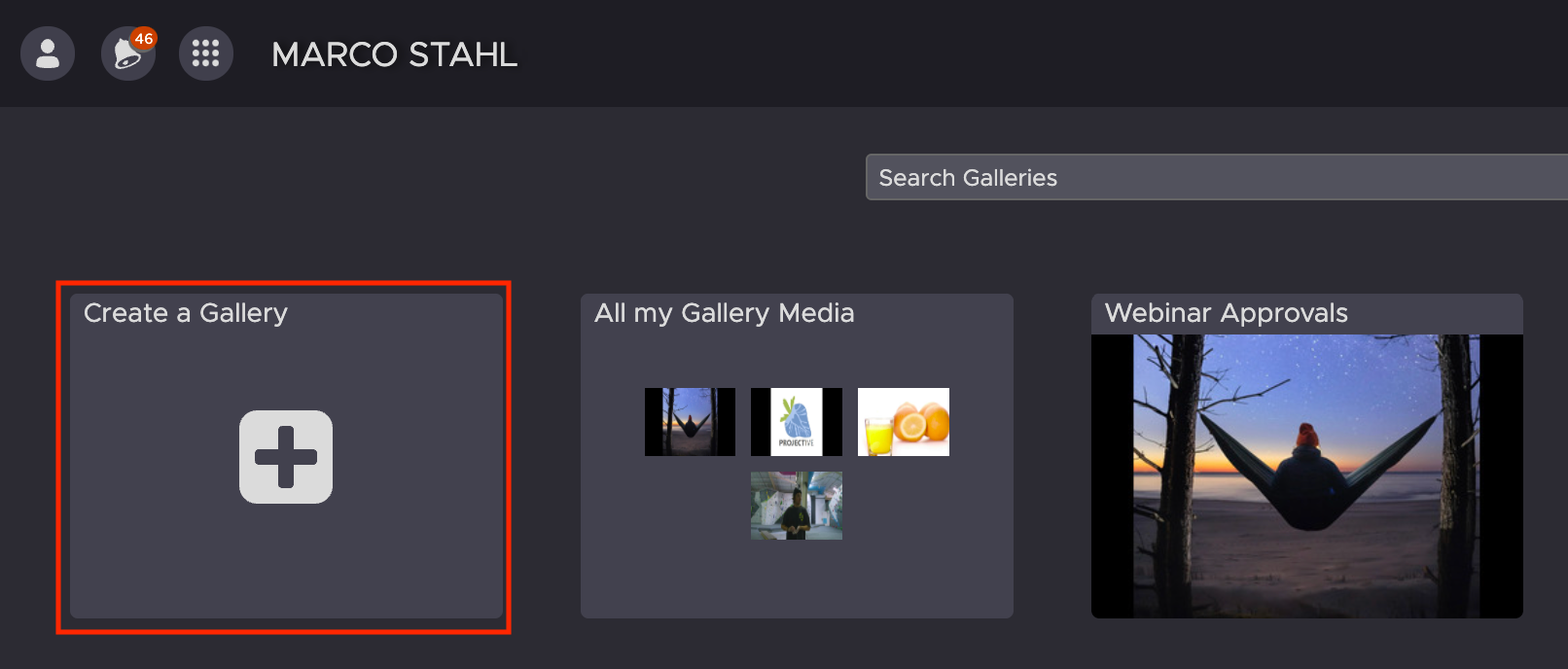
3. Within the Gallery view, click on the Create a Gallery button.
4. Give the Gallery a name. Optionally, you may also provide a description and choose a visual preset
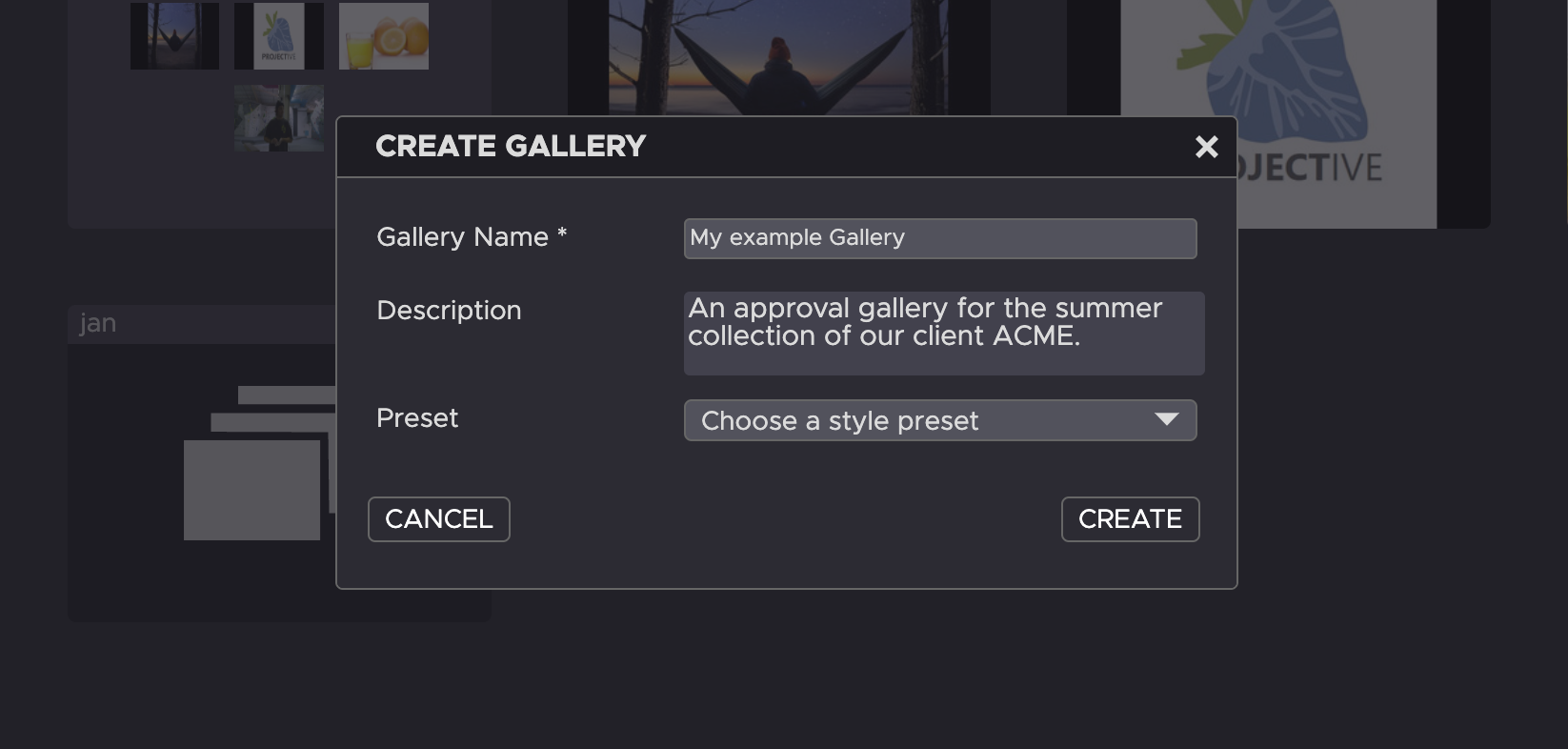
5. Click on the “Create” button to create the Gallery
Need more help with this?
Visit the Projective Support Websites