

About
Approvers can either approve Gallery assets or request a revision for them. Once a Gallery member is an Approver, they will receive dedicated approval notifications for Gallery assets.
Requirements
- The Galleries feature is part of Strawberry’s Communications System add-on. The add-on must be activated on your system in order to use this feature
- To appoint an Approver, you must either be a manager of that Gallery or a Strawberry Administrator
Usage
1. Navigate to the Gallery to which you want to add an approver.
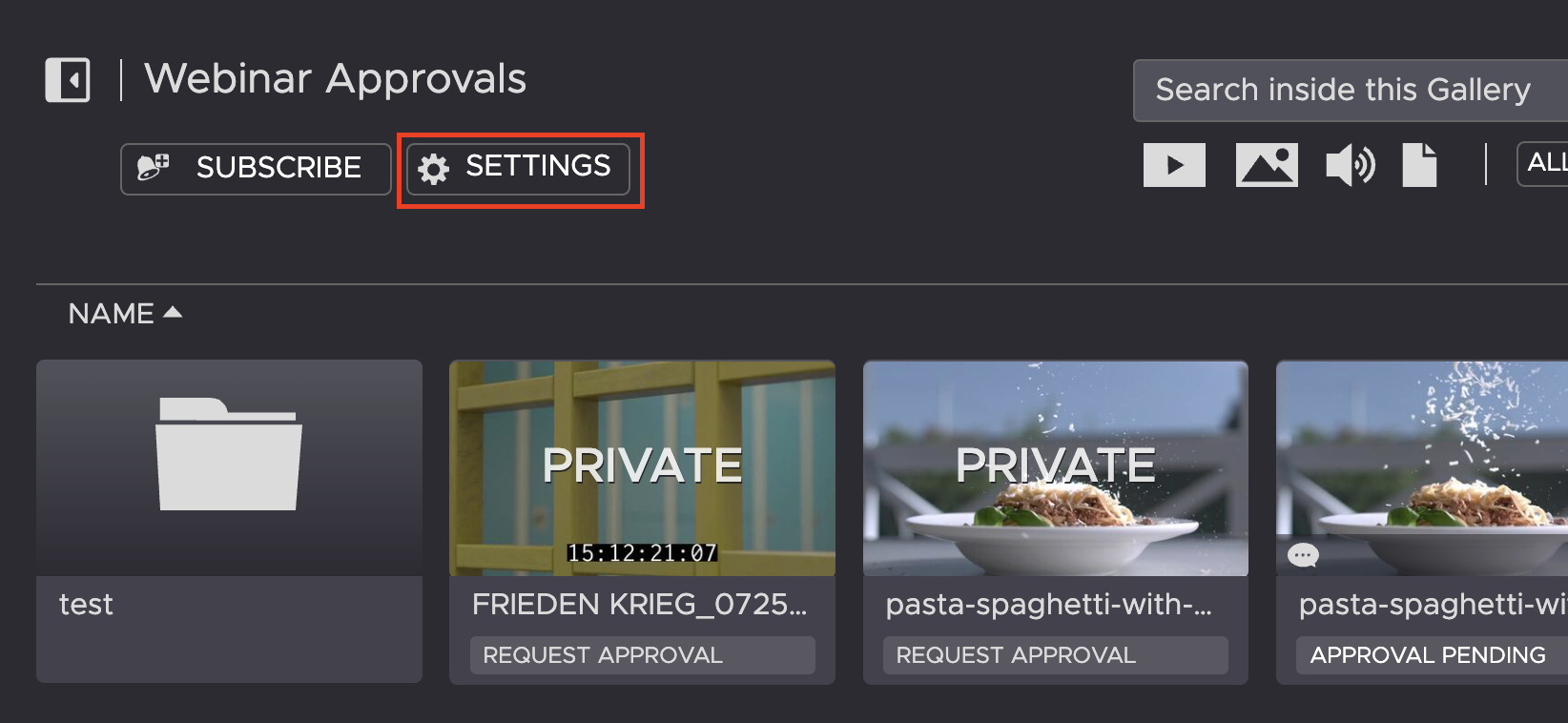
2. Click on the Settings tab that is located on the left side below the Gallery name to open the Gallery’s settings.
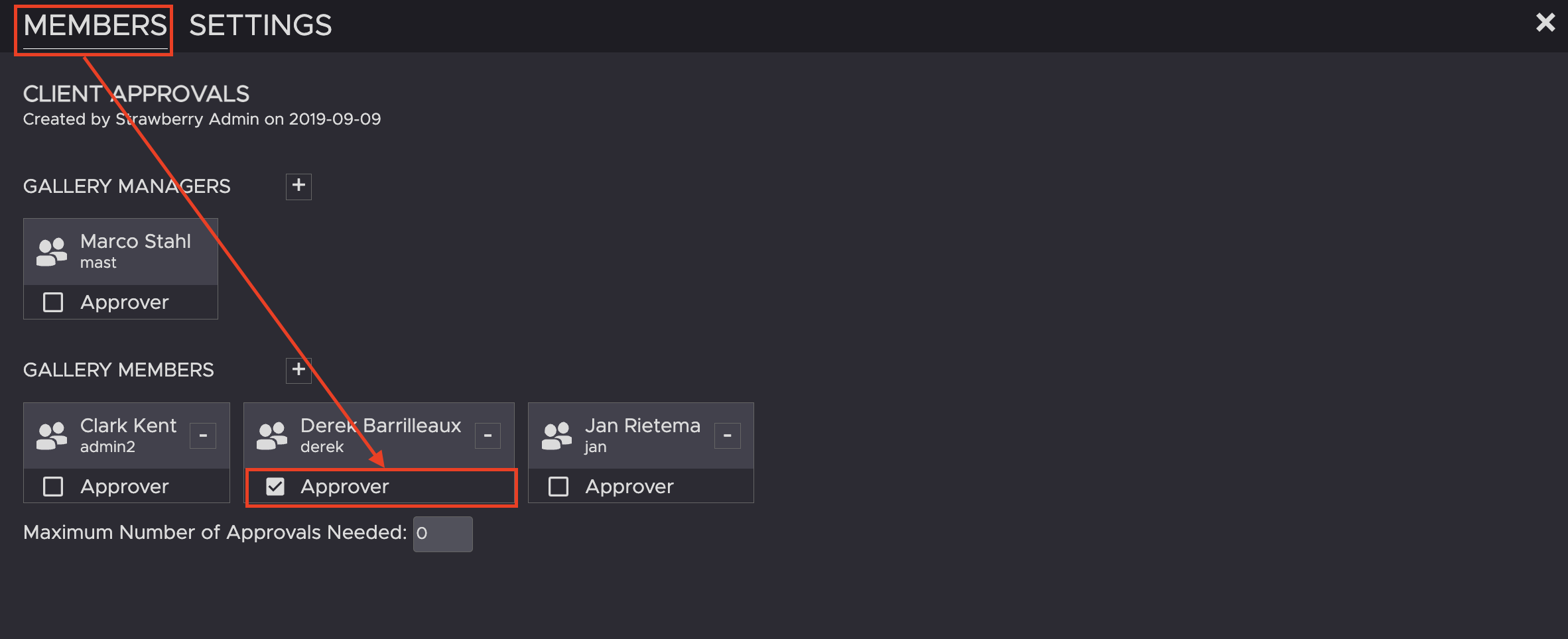
3. In the MEMBERS tab, check the box below the name of the person you want to become an approver.
Need more help with this?
Visit the Projective Support Websites